
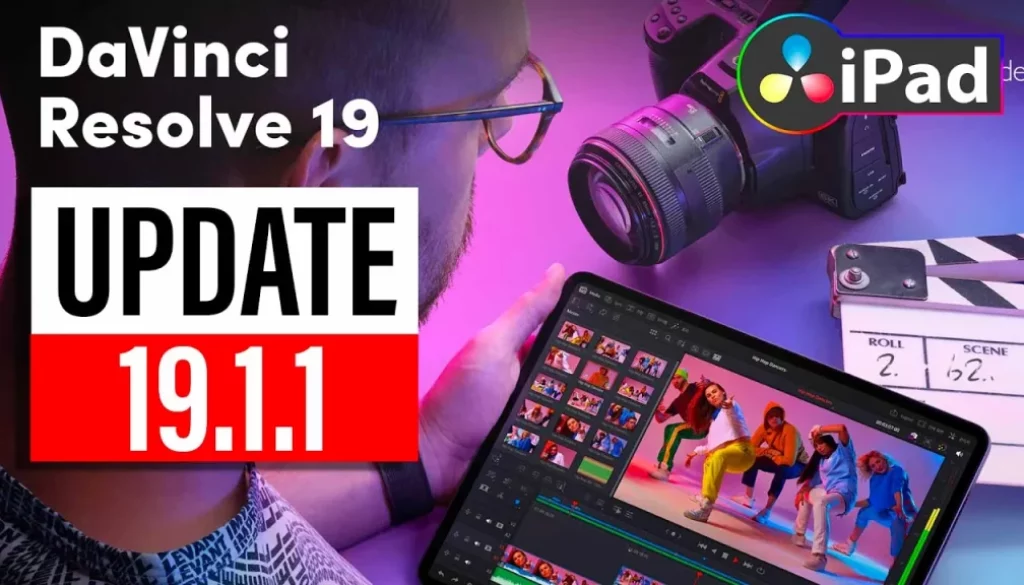
DaVinci Resolve iPad Update: 19.1.1
In this video i will show you the new Update of DaVinci Resolve iPad Version 19.1.1. This is just a minor update with lots of bug fixes.
Pro Tip: Make your Videos Cinematic (and save a tone of time) with our Seamless Transition Pack for DaVinci Resolve iPad.

Contents
[Video] DaVinci Resolve iPad Update: 19.1.1
DaVinci Resolve iPad Version 19.1.1 (12/03/2024)
• Addressed opacity or fader previews with non-black backgrounds.
• Ability to import and export Final Cut Pro v1.13 XMLs.
• Addressed multiline subtitles having incorrect line break.
• Addressed timeline thumbnail displays for some spatial photos.
• Addressed ColorSlice highlights preview on clips with Magic Mask.
• Addressed grades resetting to local versions in collaboration.
• Addressed incorrect tooltips when switching between DCTLs.
• Added new color thumbnail index tag for clip ordering.
• Addressed an issue with interpreting full clip fades in AAFs.
• Addressed dialogue leveler gain control range in the main plugin UI.
• Addressed FairlightFX reverb, noise reduction automation issues.
• Addressed availability of shutter angle metadata as a tag.
• Addressed issue importing SRTX subtitles to the media pool.
• General performance and stability improvements.
Tip: If you don’t know how to get the other pages (FUSION, FAIRLIGHT, EDIT) on the iPad read this article first: How to UNLOCK ALL PAGES in DaVinci Resolve for iPad Pro
If you want to host your own Online Course use CC360
I really believe, that CC360 is the best Platform to host your own Online Course currently on the market. And each week they introduce new features. Amazing. Check it out here.
BONUS: All DaVinci Resolve iPad Masterclass Students get the Transition Pack & the 8K Film Grain Pack for FREE!
You can either get the Transition Pack separate here: Seamless Transition Pack for DaVinci Resolve iPad. Or the 8K Film Grain Pack here: 8K Film Grain Bundle. but all of our DaVinci Resolve iPad Packs are a FREE Bonus for the DaVinci Resolve iPad Masterclass Students.
Check It Out here DaVinci Resolve iPad MasterClass: From Beginner To Pro.
Read Next
• How COPY Color Grade to MULTIPLE Clips in DaVinci Resolve iPad
• DO THIS to make DaVinci Resolve FASTER! (Instead of rage smashing your iPad)
• How To Delete Cache Files in DaVinci Resolve iPad
• How To Color Correct iPhone Footage in DaVinci Resolve iPad
• Easy Sync Audio & Video in DaVinci Resolve iPad



![How to Fix Blurry Video on iPad? [EASY FIX]](https://exlima.net/wp-content/uploads/2026/09/How-to-Fix-Blurry-Video-on-iPad-EASY-FIX-1024x576-394x330.webp)