DaVinci Resolve iPad UPDATE: 20% DISCOUNT ???
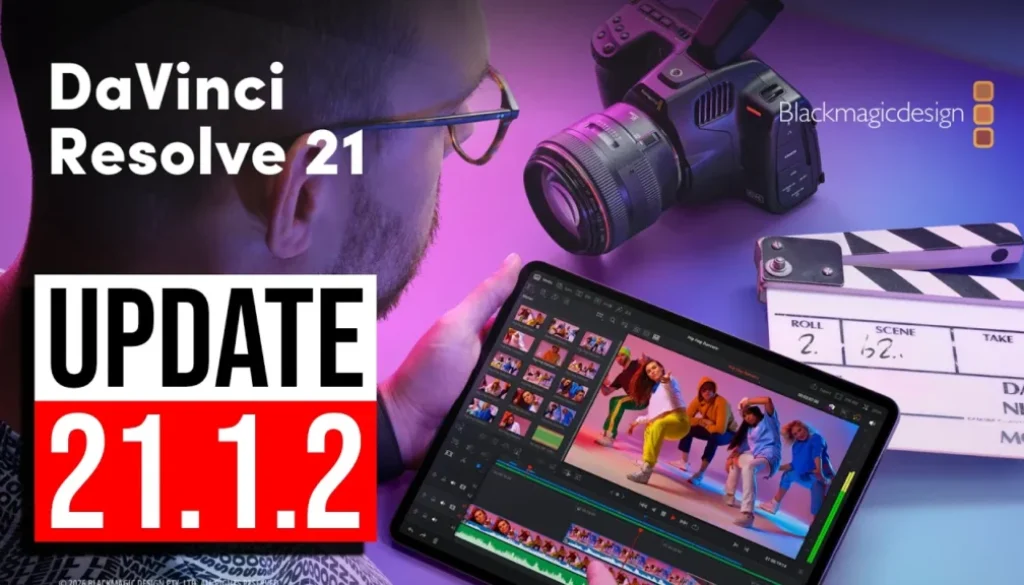
DaVinci Resolve for iPad has a new minor update: Version 21.1.2. In this article/video I will show you what’s new, if all the pages still work, and how you can get 20% off DaVinci Resolve Studio, the Speed Editor and my DaVinci Resolve iPad MasterClass right now.
DaVinci Resolve iPad Starter Kit: Everything you need in one bundle.
Contents
- [Video] DaVinci Resolve iPad UPDATE: 20% DISCOUNT ???
- What’s new in DaVinci Resolve iPad 21.1.2?
- Do all pages still work after the 21.1.2 update?
- DaVinci Resolve Studio 20% off at Blackmagic Design
- DaVinci Resolve Speed Editor 20% off (includes Studio license)
- 20% off the DaVinci Resolve iPad MasterClass
- Learn DaVinci Resolve on the iPad, use it on the Desktop
- If you want to host your own Online Course use CC360
- BONUS: All DaVinci Resolve iPad Masterclass Students get the Transition Pack & the 8K Film Grain Pack for FREE!
[Video] DaVinci Resolve iPad UPDATE: 20% DISCOUNT ???
What’s new in DaVinci Resolve iPad 21.1.2?
DaVinci Resolve iPad Version 21.1.2 (11/04/2026)
• Project settings option to disable DNG lens correction.
• Improved disk space usage for Magic Mask caches.
• Improved HDR global wheel trackball sensitivity for color panels.
• Fast noise option for Resolve FX Tracker.
• Addressed several issues.
This time it’s a small update. The Magic Mask improvement is for DaVinci Resolve Studio users. And the better trackball sensitivity is for color panels like the DaVinci Resolve Micro Color Panel, which also works with the iPad.
Do all pages still work after the 21.1.2 update?
This is always the first thing I check after an update. And yes, we still have the Cut Page, the Edit Page and all the other pages.
DaVinci Resolve Studio 20% off at Blackmagic Design
Something cool I found out today: DaVinci Resolve is currently on sale on the Blackmagic Design website. This is for the Desktop version.
DaVinci Resolve Speed Editor 20% off (includes Studio license)
So you get the Speed Editor and DaVinci Resolve Studio together. By the way, I have a MasterClass about using the Speed Editor with the iPad. It’s part of my DaVinci Resolve iPad MasterClass, or you can get it individually here: DaVinci Resolve Speed Editor MasterClass From Beginner to Pro!
20% off the DaVinci Resolve iPad MasterClass
Discount Code: Use the code FUAPPLE to get 20% off the DaVinci Resolve iPad MasterClass: From Beginner To Pro.
In my last two videos I was ranting about Apple, because they changed the subscription model for Final Cut Pro. Now it’s even harder to justify Final Cut Pro on the iPad. That’s why I made this discount code. If you want to understand why I was so angry, read these two articles: You Can’t Buy Final Cut Pro for iPad Anymore and Apple Promised This 3 Years Ago. Then Deleted the Page.
Learn DaVinci Resolve on the iPad, use it on the Desktop
So right now you have 20% off from Blackmagic Design and 20% off my DaVinci Resolve iPad MasterClass. If you want to learn DaVinci Resolve on the iPad, now is the best time. And DaVinci Resolve is the same software on both. If you learn the basics and the principles on the iPad, you can use them on the Desktop as well.
Tip: If you don’t know how to get the other pages (FUSION, FAIRLIGHT, EDIT) on the iPad read this article first: How to UNLOCK ALL PAGES in DaVinci Resolve for iPad Pro
If you want to host your own Online Course use CC360
I really believe, that CC360 is the best Platform to host your own Online Course currently on the market. And each week they introduce new features. Amazing. Check it out here.
BONUS: All DaVinci Resolve iPad Masterclass Students get the Transition Pack & the 8K Film Grain Pack for FREE!
You can either get the Transition Pack separate here: Seamless Transition Pack for DaVinci Resolve iPad. Or the 8K Film Grain Pack here: 8K Film Grain Bundle. but all of our DaVinci Resolve iPad Packs are a FREE Bonus for the DaVinci Resolve iPad Masterclass Students.
Check It Out here DaVinci Resolve iPad MasterClass: From Beginner To Pro.

Read Next
• How COPY Color Grade to MULTIPLE Clips in DaVinci Resolve iPad
• DO THIS to make DaVinci Resolve FASTER! (Instead of rage smashing your iPad)
• How To Delete Cache Files in DaVinci Resolve iPad
• How To Color Correct iPhone Footage in DaVinci Resolve iPad
• Easy Sync Audio & Video in DaVinci Resolve iPad