DaVinci Resolve iPad UPDATE: Why is nobody talking about this?
DaVinci Resolve for iPad just got a small update to Version 20.3.2. This is a minor bug fix release with no new features, but it does address a few issues that might have been affecting your workflow. Let me quickly walk you through what changed.
Pro Tip: Make your Videos Cinematic (and save a tone of time) with our Seamless Transition Pack for DaVinci Resolve iPad.

Contents
- [Video] DaVinci Resolve iPad Update 20.3.2 – Bug Fixes Only
- What is new in DaVinci Resolve iPad Version 20.3.2?
- Is there anything else new in this update?
- DaVinci Resolve iPad update was delayed this time
- NEW: DaVinci Resolve Desktop Masterclass
- If you want to host your own Online Course use CC360
- BONUS: All DaVinci Resolve iPad Masterclass Students get the Transition Pack & the 8K Film Grain Pack for FREE!
[Video] DaVinci Resolve iPad Update 20.3.2 – Bug Fixes Only
What is new in DaVinci Resolve iPad Version 20.3.2?
This update is purely bug fixes. There are no new features or tools in this release. Here is the full list of changes:
DaVinci Resolve iPad Version 20.3.2 (2026/02/16)
• Magic Mask cache is now retained when pasting node attributes.
• Improved render speeds for side-by-side stereoscopic 3D renders up to 2.5x faster.
• Super Scale enhanced with the Apple Neural Engine.
• Addressed slow media management on startup for larger projects.
• Addressed issue with editing effects on a locked node stack layer.
• Analog Damage: Disabling CRT Scan no longer disables Restless Foot.
• Addressed panel flicker.
Is there anything else new in this update?
I played around with DaVinci Resolve after installing this update to see if something major changed in the background that was not listed in the release notes. So far I could not find anything new worth mentioning. We still have all the same pages and the mixer is still only available in the Cut Page.
Tip: If you don’t know how to get the other pages (FUSION, FAIRLIGHT, EDIT) on the iPad read this article first: How to UNLOCK ALL PAGES in DaVinci Resolve for iPad Pro
DaVinci Resolve iPad update was delayed this time
One thing I noticed with this update is that the desktop version got the update about 4 days earlier than the iPad version. In the past, both updates normally came out at the same time. This is something to keep an eye on for future releases.
NEW: DaVinci Resolve Desktop Masterclass
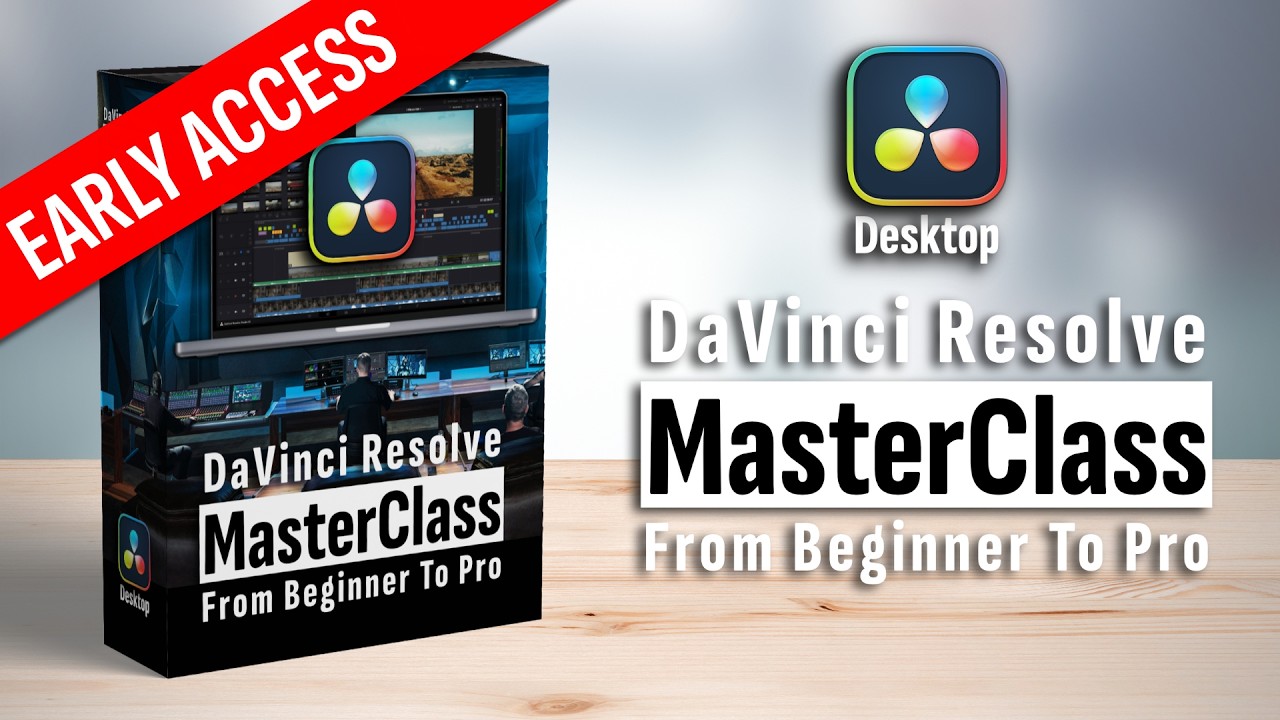
I just launched my brand new DaVinci Resolve Desktop Masterclass. The iPad version and the desktop version are the same software, but because of iPad OS we have limitations. Over the last 3 years many of you asked me to create a desktop course and now it is here. The first 5 modules and 50 videos are already done. There is currently an early access discount available. Use the code early to get the lowest price ever. Check it out here.
If you want to host your own Online Course use CC360
I really believe, that CC360 is the best Platform to host your own Online Course currently on the market. And each week they introduce new features. Amazing. Check it out here.
BONUS: All DaVinci Resolve iPad Masterclass Students get the Transition Pack & the 8K Film Grain Pack for FREE!
You can either get the Transition Pack separate here: Seamless Transition Pack for DaVinci Resolve iPad. Or the 8K Film Grain Pack here: 8K Film Grain Bundle. but all of our DaVinci Resolve iPad Packs are a FREE Bonus for the DaVinci Resolve iPad Masterclass Students.
Check It Out here DaVinci Resolve iPad MasterClass: From Beginner To Pro.
Read Next
• How COPY Color Grade to MULTIPLE Clips in DaVinci Resolve iPad
• DO THIS to make DaVinci Resolve FASTER! (Instead of rage smashing your iPad)
• How To Delete Cache Files in DaVinci Resolve iPad
• How To Color Correct iPhone Footage in DaVinci Resolve iPad
• Easy Sync Audio & Video in DaVinci Resolve iPad



![Grainy Night Shots? [This Fixes It!]](https://exlima.net/wp-content/uploads/2026/10/Grainy-Night-Shots-This-Fixes-It-1024x576-394x330.webp)