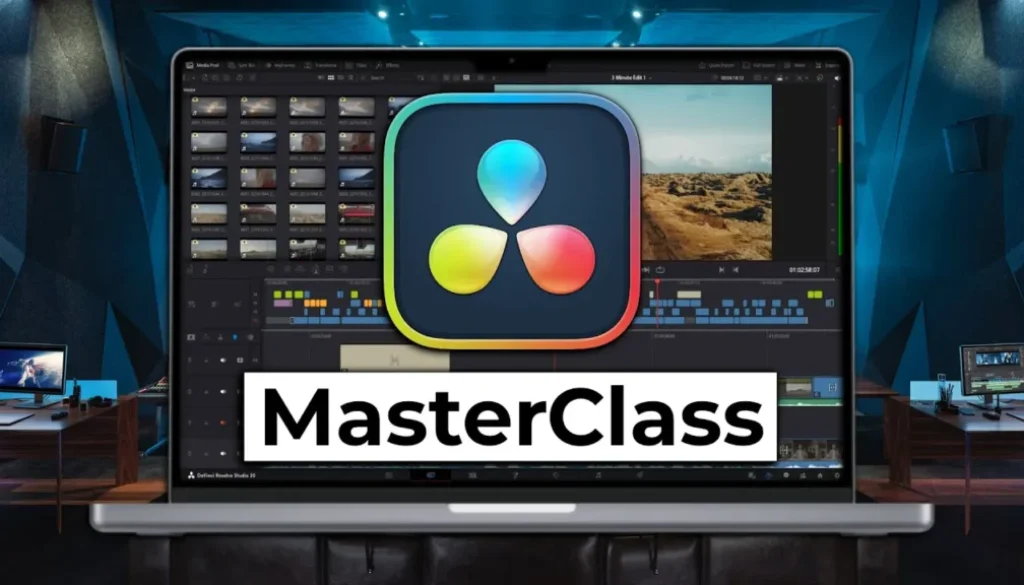
DaVinci Resolve Desktop Masterclass: From Beginner to Pro (Update)
In this video i will give you an update on the DaVinci Resolve Desktop Masterclass that i am currently working on. I will show you how far i am, what modules are planned, and how you can get early access at a discounted price to help shape this course.
Contents
[Video] DaVinci Resolve Desktop Masterclass: From Beginner to Pro (Update)
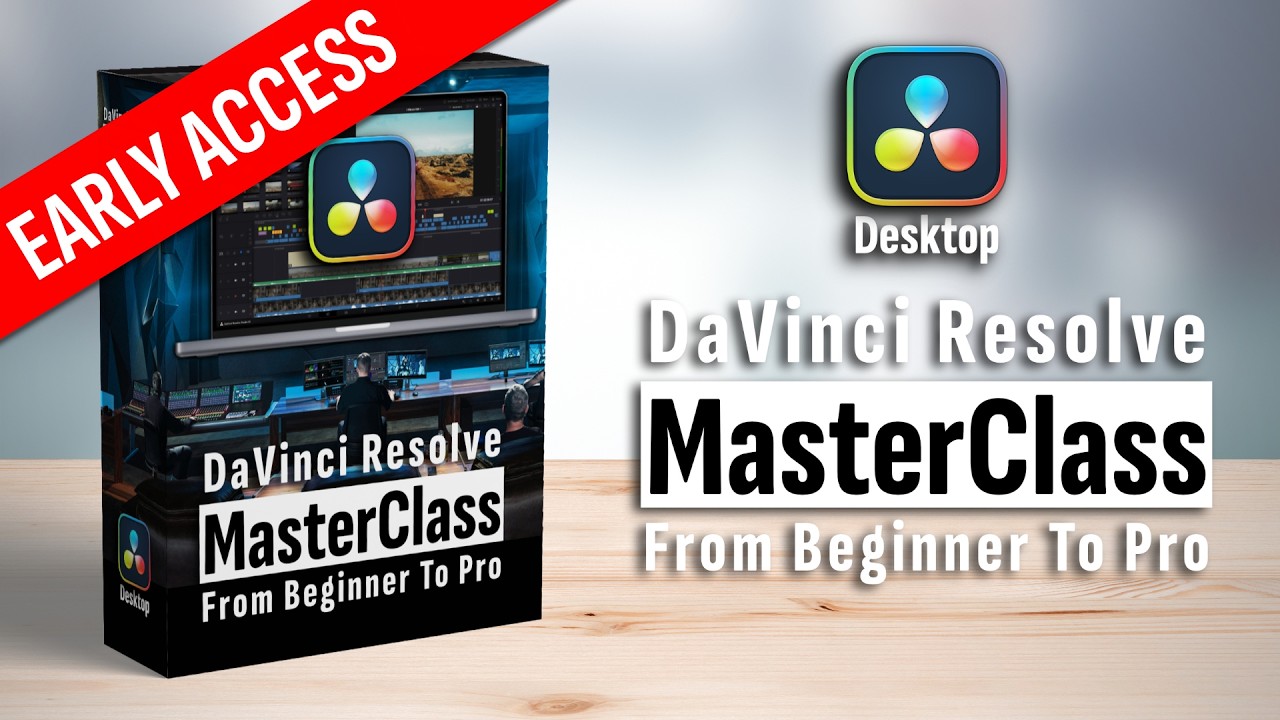
DaVinci Resolve Desktop Masterclass from Beginner to Pro
I am currently working on a big DaVinci Resolve Desktop Masterclass. Same approach as the DaVinci Resolve iPad Masterclass but for the Desktop version. And on the Desktop there is even more that you can do with DaVinci Resolve. I want to teach you everything that you need to know.
What Modules are planned for the DaVinci Resolve Desktop Masterclass?
There will be 11 modules in total. Some of them are already done. Here is a list of the planned modules:
1. Introduction and First Steps
2. Quick Start Module
3. Database, Project Settings, Media & Savings
4. Media Page
5. Cut Page (dedicated module for raw cuts)
6. Advanced Editing with the Edit Page
7. Enhancing with the Edit Page
8. Color Basics and Color Grading
9-11. Additional advanced modules (more details coming soon)
The Quick Start Module is there to show you that even if the software is complex you can actually start very fast. And the course will also be available in German.
Early Access and how you can help shape this course
There will be an Early Access soon where you can get around 50% off from the original price because the course is not fully done yet. Over the next couple of months the remaining modules will be finished. The benefit for you is that you can actually help shape this masterclass by telling me what topics are important to you.
I did the same with the iPad Masterclass. That is the reason why the iPad Masterclass is so good as it is right now. I was actually listening to the community and adding what people needed. So if you have specific topics you want to see covered, let me know in the comments on YouTube.
No fluff, just the important stuff
My approach for this masterclass is the same as what you see on YouTube. I do not want to create hours of fluff content where you have to go through everything. I want to give you the most important stuff as fast as possible. Straight to the point.
-> Get Early Access here: DVR Desktop MasterClass: From Beginner To Pro
Read Next
• How COPY Color Grade to MULTIPLE Clips in DaVinci Resolve iPad
• DO THIS to make DaVinci Resolve FASTER! (Instead of rage smashing your iPad)
• How To Delete Cache Files in DaVinci Resolve iPad
• How To Color Correct iPhone Footage in DaVinci Resolve iPad
• Easy Sync Audio & Video in DaVinci Resolve iPad