DaVinci Resolve 21 for iPad: WHEN ???
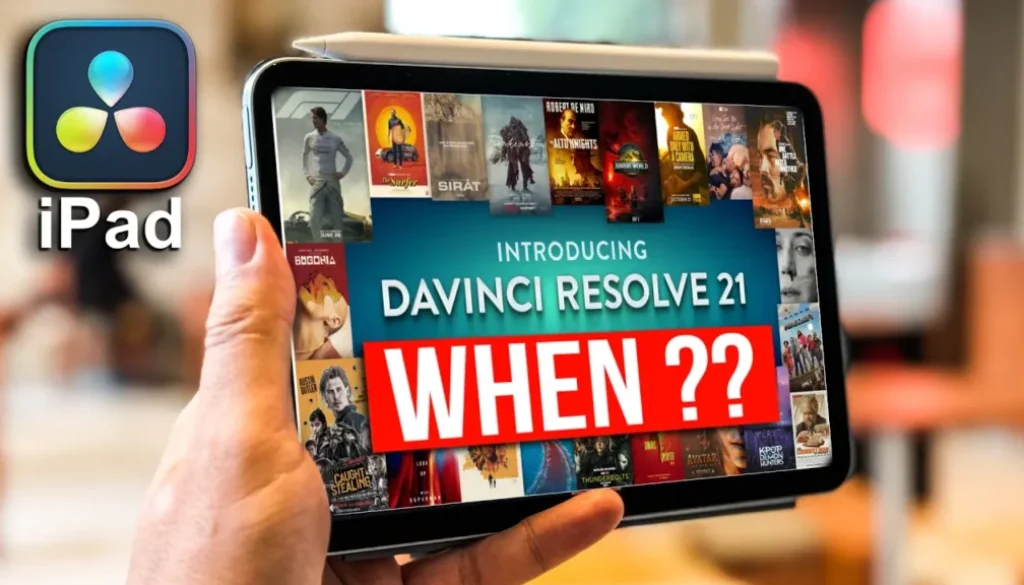
In this article and video i will explain why DaVinci Resolve 21 is not on the iPad yet and when you can expect it. DaVinci Resolve 21 has been announced on the Blackmagic website, but it is still in public beta. That means for all iPad users we have to wait a little longer before we can play with all the new features.
Pro Tip: Make your Videos Cinematic (and save a tone of time) with our Seamless Transition Pack for DaVinci Resolve iPad.

Contents
- [Video] DaVinci Resolve 21 on iPad: When Can You Expect It?
- Is DaVinci Resolve 21 Already Released?
- When Will DaVinci Resolve 21 Come to the iPad?
- What is New in DaVinci Resolve 21?
- Why I Don’t Make Videos About Beta Features
- If you want to host your own Online Course use CC360
- BONUS: All DaVinci Resolve iPad Masterclass Students get the Transition Pack & the 8K Film Grain Pack for FREE!
[Video] DaVinci Resolve 21 on iPad: When Can You Expect It?
Is DaVinci Resolve 21 Already Released?
Not officially. If you go to the Blackmagic website right now, you will see a banner introducing DaVinci Resolve 21 with a free download link. At first glance it looks like the official launch, but it is not. When you actually click on the free download, you will see that DaVinci Resolve 21 and DaVinci Resolve 21 Studio are still public beta. The most up to date official version is still DaVinci Resolve 20.
When Will DaVinci Resolve 21 Come to the iPad?
The short answer: once it is out of beta. That has been the pattern in the past and it is what i expect again. As soon as Blackmagic releases the official standalone version of DaVinci Resolve 21, we will also get the update on the iPad.
How long can that take? I do not want to promise an exact date, but for DaVinci Resolve 20 the beta period was close to 2 or 3 months, and DaVinci Resolve 19 was similar. So somewhere in that range is a realistic guess. It could also be faster, maybe they release it next week. If you have more information, let me know in the comments.
What is New in DaVinci Resolve 21?
If you go to the Blackmagic page and click on “What’s New“, you will see everything that is changing in DaVinci Resolve 21. There are a lot of new AI tools. The biggest thing i noticed is a brand new page, the Photo Page. It brings the power of the Color Page to photo editing. So basically, bye bye Photoshop.
To be fair, i already switched from Photoshop to Affinity Photo some time ago, and Affinity was a one time purchase. But i am curious to see if the new Photo Page in DaVinci Resolve 21 can replace Affinity for me too. That would mean one less app in my workflow, which is always a win.
Why I Don’t Make Videos About Beta Features
If you want to play around with all the new stuff, you can download DaVinci Resolve 21 right now on your Mac or desktop and try it out. I will not do that on my main channel, and there are two reasons for it.
First, i work on both devices, desktop and iPad. I want to keep the same version number across both so my projects stay compatible. Second, beta features can change or disappear. It has happened in the past that a feature was there, i made a video about it, and then it was suddenly gone or behaved differently. So when i cover a feature on this channel, i want it to be officially launched and stable. That way the tutorial stays useful for you.
So for now, the plan is simple. Wait for DaVinci Resolve 21 to leave beta, then we get it on the iPad, and then i will make dedicated videos for every important new feature.
Tip: If you don’t know how to get the other pages (FUSION, FAIRLIGHT, EDIT) on the iPad read this article first: How to UNLOCK ALL PAGES in DaVinci Resolve for iPad Pro
If you want to host your own Online Course use CC360
I really believe, that CC360 is the best Platform to host your own Online Course currently on the market. And each week they introduce new features. Amazing. Check it out here.
BONUS: All DaVinci Resolve iPad Masterclass Students get the Transition Pack & the 8K Film Grain Pack for FREE!
You can either get the Transition Pack separate here: Seamless Transition Pack for DaVinci Resolve iPad. Or the 8K Film Grain Pack here: 8K Film Grain Bundle. but all of our DaVinci Resolve iPad Packs are a FREE Bonus for the DaVinci Resolve iPad Masterclass Students.
Check It Out here DaVinci Resolve iPad MasterClass: From Beginner To Pro.
Read Next
• How COPY Color Grade to MULTIPLE Clips in DaVinci Resolve iPad
• DO THIS to make DaVinci Resolve FASTER! (Instead of rage smashing your iPad)
• How To Delete Cache Files in DaVinci Resolve iPad
• How To Color Correct iPhone Footage in DaVinci Resolve iPad
• Easy Sync Audio & Video in DaVinci Resolve iPad