DaVinci Resolve Desktop MasterCLass: EARLY BIRD ACCESS
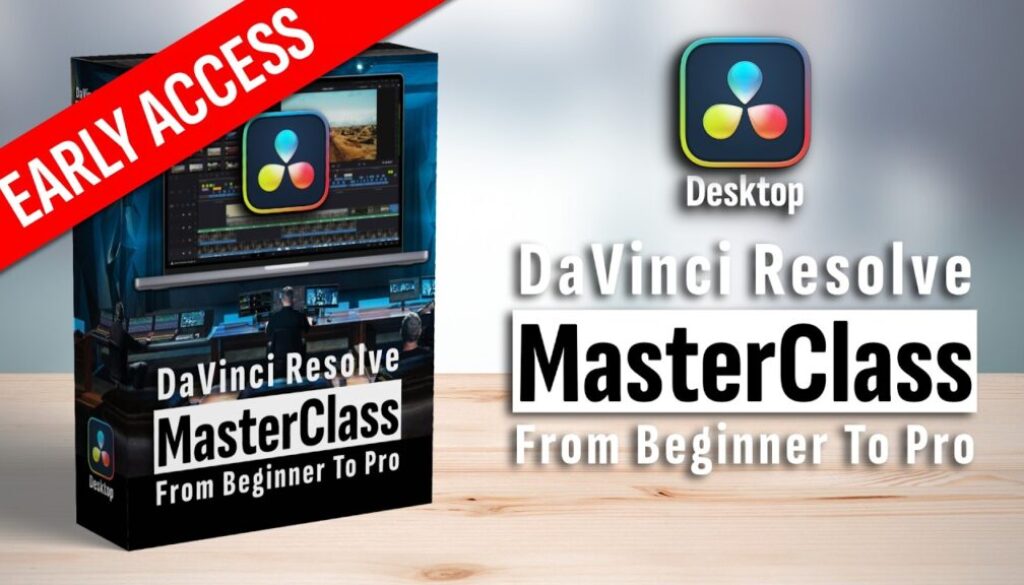
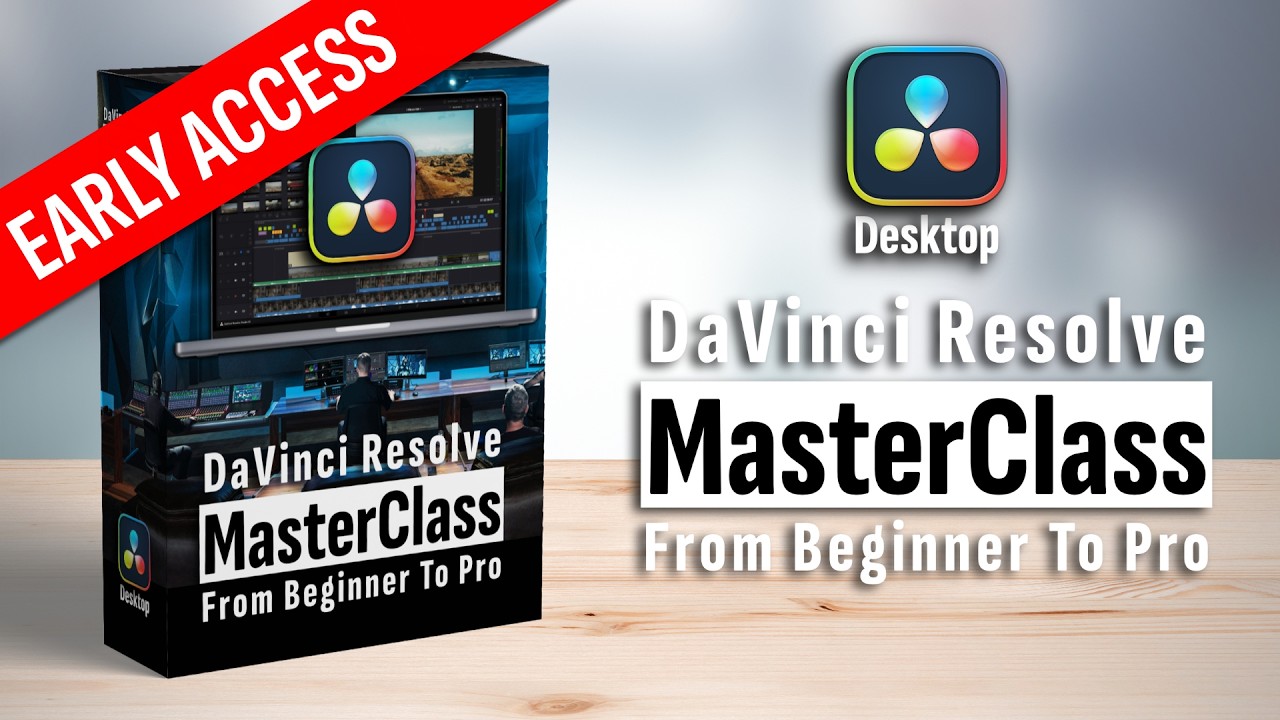
In this video I will give you a full overview of what is included in the DaVinci Resolve Desktop Masterclass from Beginner to Pro. What modules are inside, what packs you get, and how the early access discount works.
Contents
- [Video] What Is Included in the DaVinci Resolve Desktop Masterclass?
- What Is the DaVinci Resolve Desktop Masterclass?
- Short, Dedicated Videos Instead of Long Courses
- What Topics Does the Desktop Masterclass Cover?
- What Filmmaker Packs Are Included?
- Speed Editor Masterclass (Bonus Course)
- Community, Discounts and Lifetime Access
- Early Access Pricing and Discount Code
- What Modules Are Already Available?
- Who Is the Desktop Masterclass For?
[Video] What Is Included in the DaVinci Resolve Desktop Masterclass?
What Is the DaVinci Resolve Desktop Masterclass?
The DaVinci Resolve Desktop Masterclass is a premium course that takes you from beginner to pro. It is a one-time payment with lifetime access. That means no monthly subscription. You get access to everything that is inside right now and everything that will be added in the future. When new updates and features come out, they will be covered and added to the masterclass.
Short, Dedicated Videos Instead of Long Courses
One thing that makes this masterclass different is the structure. Instead of one long 3-hour course where you forget everything two weeks later, the videos are kept very short. Sometimes just 2 to 3 minutes, each dedicated to a specific task. That means you can pick only the stuff you need right now. If you do not need a specific technique today, you watch it when you actually need it. And because everything is categorized video by video, you can actually find what you are looking for.
What Topics Does the Desktop Masterclass Cover?
The masterclass covers everything you need as a video editor in DaVinci Resolve. Here is what is included and what will be added over time:
Editing Basics for beginners who want to learn the software the correct way. Advanced Editing techniques for when you want to take your skills to the next level. The entire Color Page because DaVinci Resolve is one of the best Hollywood softwares for color grading. Nodes for both the Fusion Page and the Color Page. Visual Effects on the Fusion Page. AI Editing tools that come with the Studio version. Audio Mastery and the Fairlight Page. Media and file structure for big projects. Plugins, Blackmagic Cloud, and much more.
What Filmmaker Packs Are Included?
On top of the course itself, you get essential filmmaker packs included for free. A Seamless Transition Pack. An 8K Film Grain Bundle. An entire Sound Effects Library that you can use in your projects. A Social Media Pack with subscribe animations and notification sounds. And an Orange and Teal LUT Pack so you can simply drag and drop cinematic looks onto your footage without doing all the color grading manually.
Speed Editor Masterclass (Bonus Course)
There is also an entire separate masterclass about the Blackmagic Speed Editor included as a bonus. You do not need the Speed Editor to follow along with the main course. But if you want to become a faster video editor and you are considering getting the Speed Editor from Blackmagic Design, you are covered. One tip: when you buy the Speed Editor, you also get the DaVinci Resolve Studio license included for the desktop version. You can even find the Speed Editor on Amazon sometimes cheaper than on the official Blackmagic Design website.
Community, Discounts and Lifetime Access
When you join the masterclass you also get access to a dedicated community for filmmakers and like-minded people. This community access is included for life with no extra charges. On top of that, there are exclusive discounts for masterclass students. These are deals negotiated directly with companies like Motion VFX and others. The discounts alone can save you the money that the masterclass costs. You also get custom keyboard shortcuts optimized for editing with your left hand so your right hand never has to leave the mouse.
Early Access Pricing and Discount Code
The masterclass is currently in early access. That means not all modules are finished yet. There are currently 49 lessons available with 10 modules planned in total. The remaining modules will be completed over the next three to four months.
What Modules Are Already Available?
Right now you get the Introduction, a Quick Start guide for people who want to learn fast and start making videos immediately, Basics including database and project settings, the Media Page for organizing your projects, Start Editing with raw cuts in the Cut Page, and the Edit Page. All of the filmmaker packs are also ready to use. And the Speed Editor Masterclass is already complete as well.
Who Is the Desktop Masterclass For?
If you are a beginner, yes this masterclass is for you. It covers all the foundations. If you are coming from Premiere Pro, yes it is for you because it will help you get up to speed with DaVinci Resolve faster. And if you want to become a pro, there are advanced techniques included as well. As a beginner you might not need every video right now, but when you grow as a video editor, those advanced videos will be there waiting for you. This is designed to be the one course you need for a lifetime.
-> Join the DVR Desktop MasterClass here
Read Next
• How COPY Color Grade to MULTIPLE Clips in DaVinci Resolve iPad
• DO THIS to make DaVinci Resolve FASTER! (Instead of rage smashing your iPad)
• How To Delete Cache Files in DaVinci Resolve iPad
• How To Color Correct iPhone Footage in DaVinci Resolve iPad
• Easy Sync Audio & Video in DaVinci Resolve iPad