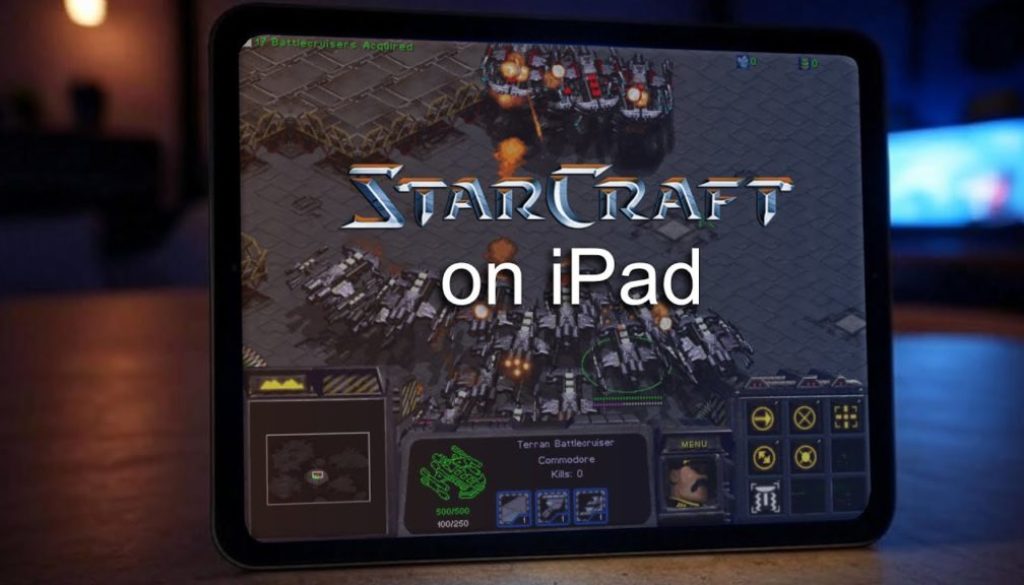
StarCraft Brood War on iPad (it actually works!)
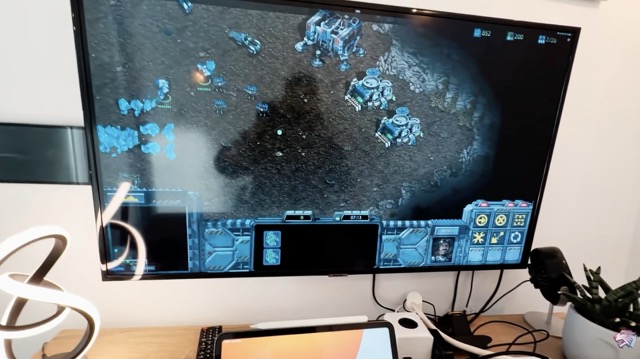
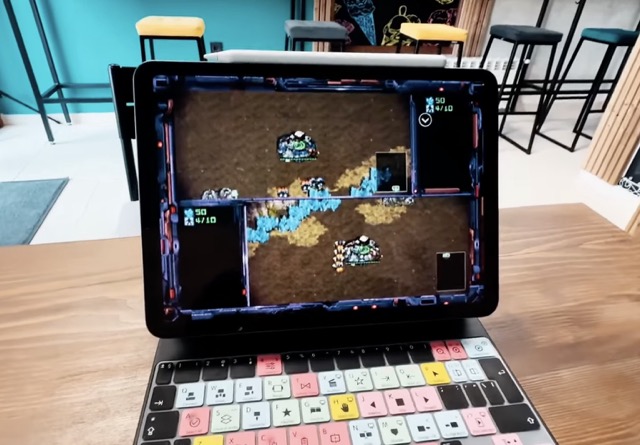
In this video guide i will show you two ways how you can play StarCraft Brood War or StarCraft Remastered on any iPad/iPhone. In solution two i even show your how you can play couch coop with only one iPad. Yes this actually exist! Have fun.
Pro Tip: Make your Videos Cinematic (and save a tone of time) with our Seamless Transition Pack for DaVinci Resolve iPad.

Contents
- [Video] StarCraft Brood War on iPad (it actually works!)
- Solution 1 (Cloud Gaming): How to play Starcraft Remastered on any iPad/iPhone
- Solution 2 (StarCraft N64): How to play Starcraft Coop and offline on the iPad/iPhone anywhere?
- If you want to host your own Online Course use CC360
- BONUS: All DaVinci Resolve iPad Masterclass Students get the Transition Pack & the 8K Film Grain Pack for FREE!
[Video] StarCraft Brood War on iPad (it actually works!)
Solution 1 (Cloud Gaming): How to play Starcraft Remastered on any iPad/iPhone
00:00 Intro
00:31 Solution 1 – Cloud Gaming
01:08 Boosteroid
01:23 Add to Homescreen
01:48 Start StarCraft
02:17 Remove Overlay
02:25 Video Settings
02:44 In Game
03:16 Use external Monitor
03:25 Widescreen on external Monitor
03:40 Full Screen external Monitor
04:25 Pro and Con Solution 1
05:15 DaVinci Resolve iPad MasterClass
Solution 2 (StarCraft N64): How to play Starcraft Coop and offline on the iPad/iPhone anywhere?
05:50 Solution 2 – StarCraft N64
06:37 Install RetroArch
06:51 Add Nintendo 64 ROM
07:58 Launch RetroArch Core
08:35 Start StarCraft N64
08:51 external Monitor via Dongle
09:05 Hide On Screen Controls
09:14 8BitDo Lite2
09:43 Some RetroArch Settings
10:09 Fix Audio Lag
10:50 Full Screen Aspect Ratio
11:21 In Game Controller
11:34 All StarCraft and Brood War Campagne
12:07 Two Player Coop Mode
12:55 Projector
13:04 Outro
If you want to host your own Online Course use CC360
I really believe, that CC360 is the best Platform to host your own Online Course currently on the market. And each week they introduce new features. Amazing. Check it out here.
BONUS: All DaVinci Resolve iPad Masterclass Students get the Transition Pack & the 8K Film Grain Pack for FREE!
You can either get the Transition Pack separate here: Seamless Transition Pack for DaVinci Resolve iPad. Or the 8K Film Grain Pack here: 8K Film Grain Bundle. but all of our DaVinci Resolve iPad Packs are a FREE Bonus for the DaVinci Resolve iPad Masterclass Students.
Check It Out here DaVinci Resolve iPad MasterClass: From Beginner To Pro.
Read Next
• How COPY Color Grade to MULTIPLE Clips in DaVinci Resolve iPad
• DO THIS to make DaVinci Resolve FASTER! (Instead of rage smashing your iPad)
• How To Delete Cache Files in DaVinci Resolve iPad
• How To Color Correct iPhone Footage in DaVinci Resolve iPad
• Easy Sync Audio & Video in DaVinci Resolve iPad