HOW TO AirPlay Netflix, Prime, Disney+ to Projector?
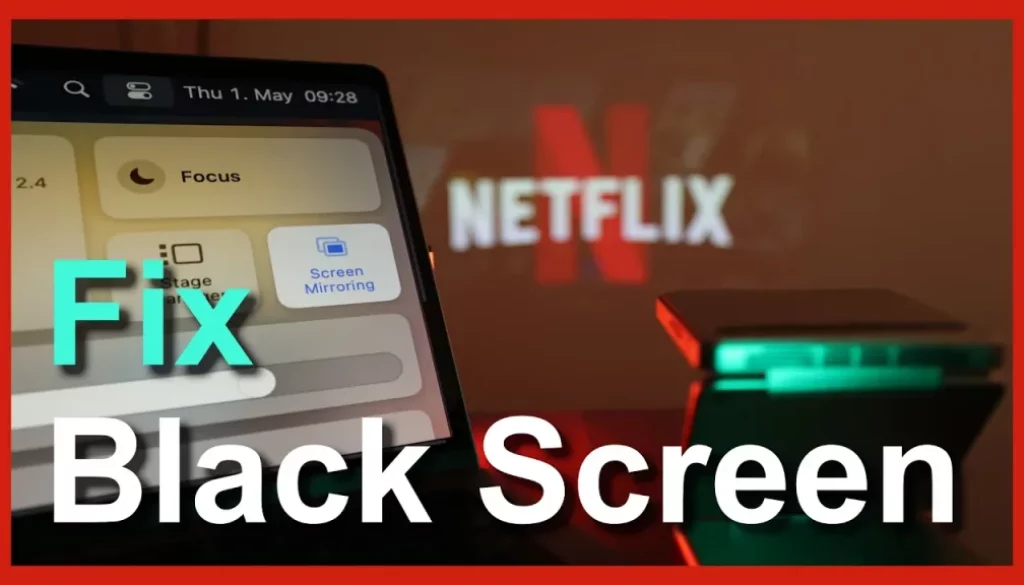
In this article/video i will show you how you can stream Videos from Netflix, Amazon Prime and Disney+ via AirPlay to a Beamer/Projector without getting a Black Screen. It only works with Chrome Desktop. This method does not work on iPhone or iPad because the iOS Version of Chrome is not really Chrome, underneath it is still Safari.
Pro Tip: Make your Videos Cinematic (and save a tone of time) with our Seamless Transition Pack for DaVinci Resolve iPad.

Contents
- [Video] HOW TO AirPlay Netflix, Prime, Disney+ to Projector?
- What is DRM and why does it block AirPlay?
- But when i connect a HDMI cable to the same Beamer it works. If the Beamer would be not secure whats different between using an HDMI cable or AirPlay?
- How to turn off DRM using Google Chrome to stream via Airplay to a Beamer?
- If you want to host your own Online Course use CC360
- BONUS: All DaVinci Resolve iPad Masterclass Students get the Transition Pack & the 8K Film Grain Pack for FREE!
[Video] HOW TO AirPlay Netflix, Prime, Disney+ to Projector?
What is DRM and why does it block AirPlay?
DRM (Digital Rights Management) is copy protection used by streaming services to control where their content can be played. When you AirPlay to a beamer, the app checks whether the projector is a secure, DRM-approved display. Most projectors aren’t, so the video is intentionally blocked even though mirroring itself works.
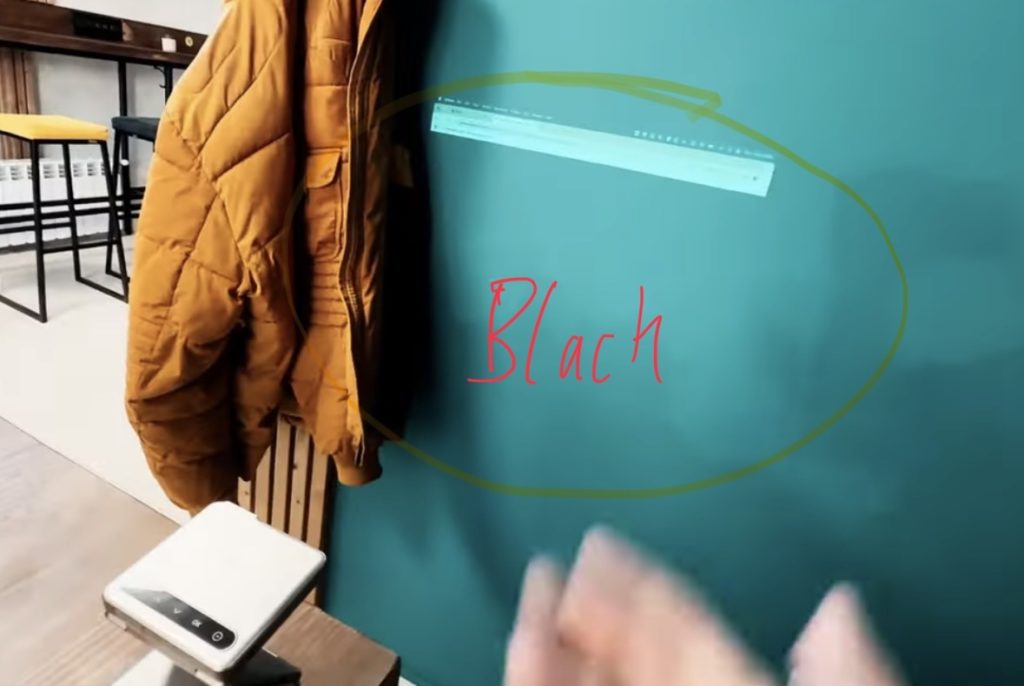
But when i connect a HDMI cable to the same Beamer it works. If the Beamer would be not secure whats different between using an HDMI cable or AirPlay?
Because HDMI + a trusted player and AirPlay mirroring are two completely different trust models.
With HDMI, the Apple TV / iPad acts as the certified playback device and only sends a protected video signal (HDCP) to the beamer. The DRM check passes, even if the projector itself is dumb.
With AirPlay mirroring, the beamer becomes part of the playback chain. It has to identify itself as a secure, DRM-approved endpoint. Most projectors can’t, so the stream gets blocked.
Same beamer. Different path. One is trusted, the other isn’t.
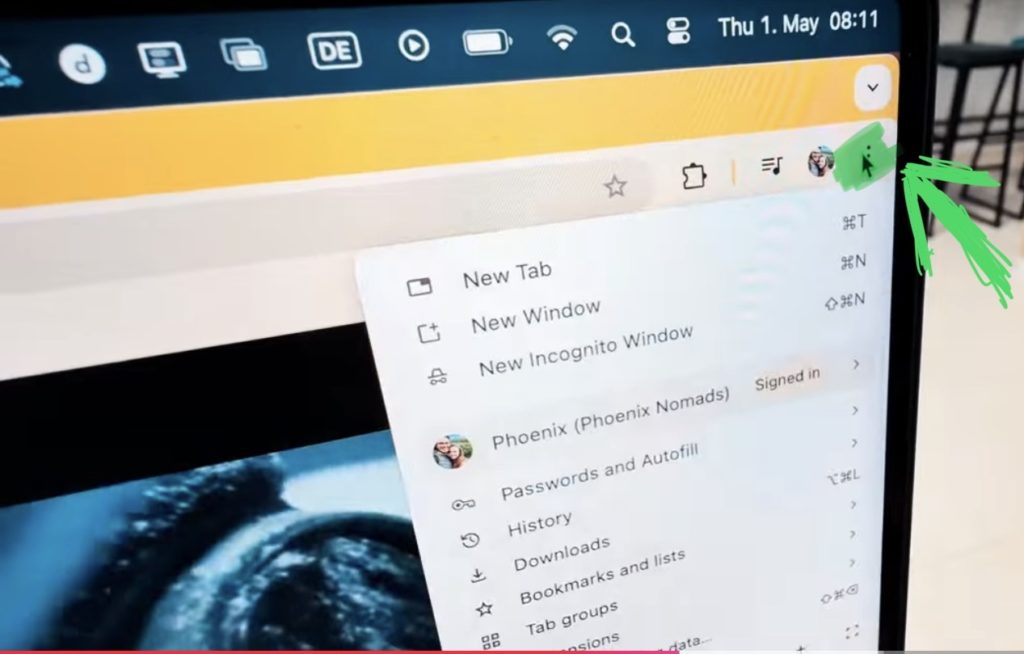
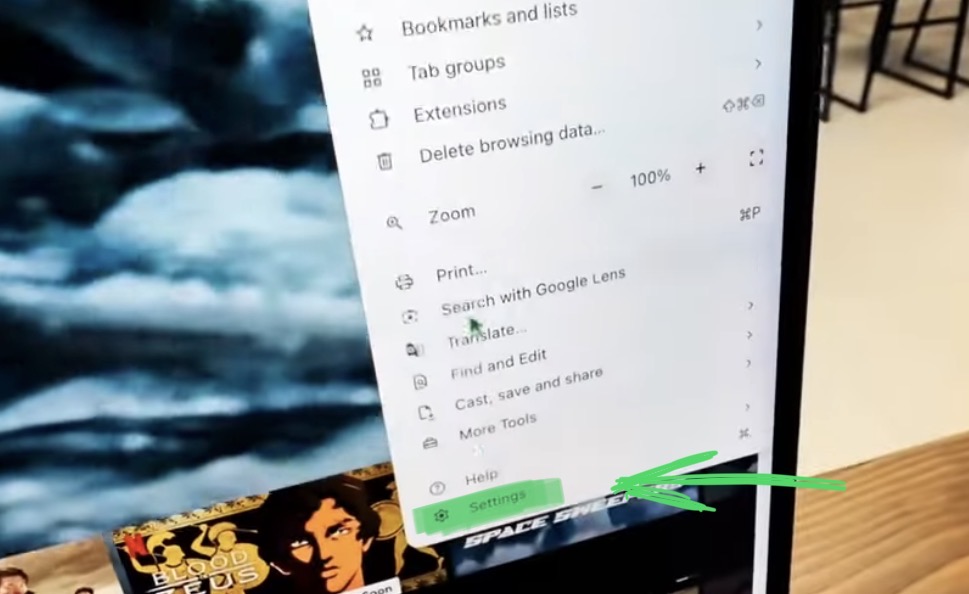
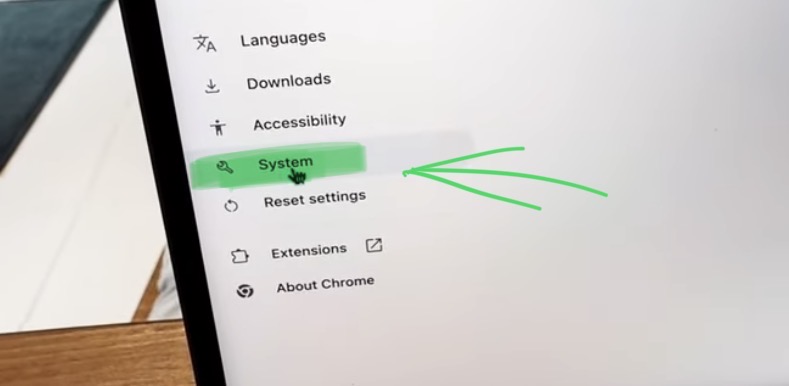
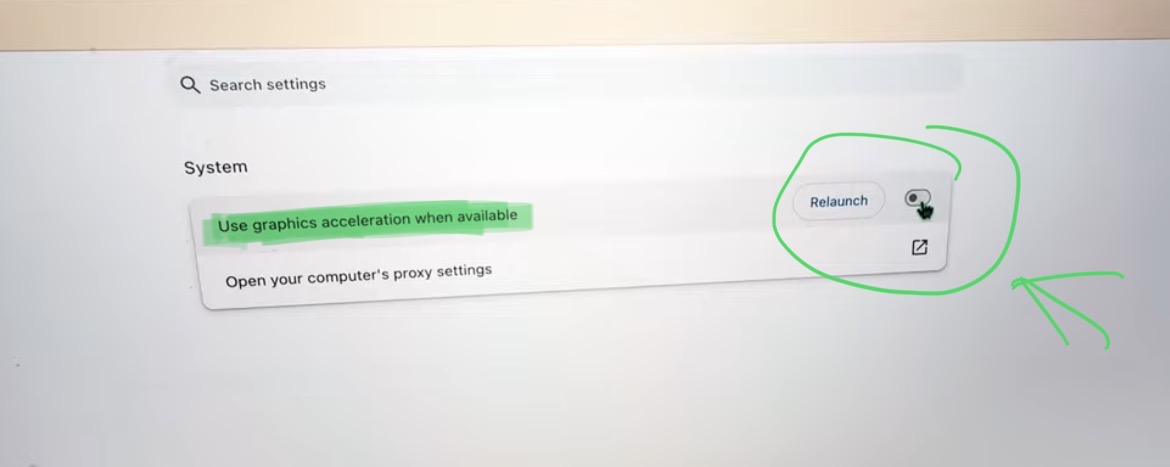
How to turn off DRM using Google Chrome to stream via Airplay to a Beamer?
If you want to host your own Online Course use CC360
I really believe, that CC360 is the best Platform to host your own Online Course currently on the market. And each week they introduce new features. Amazing. Check it out here.
BONUS: All DaVinci Resolve iPad Masterclass Students get the Transition Pack & the 8K Film Grain Pack for FREE!
You can either get the Transition Pack separate here: Seamless Transition Pack for DaVinci Resolve iPad. Or the 8K Film Grain Pack here: 8K Film Grain Bundle. but all of our DaVinci Resolve iPad Packs are a FREE Bonus for the DaVinci Resolve iPad Masterclass Students.
Check It Out here DaVinci Resolve iPad MasterClass: From Beginner To Pro.
Read Next
• How COPY Color Grade to MULTIPLE Clips in DaVinci Resolve iPad
• DO THIS to make DaVinci Resolve FASTER! (Instead of rage smashing your iPad)
• How To Delete Cache Files in DaVinci Resolve iPad
• How To Color Correct iPhone Footage in DaVinci Resolve iPad
• Easy Sync Audio & Video in DaVinci Resolve iPad