
Drag & Drop Animated Graphics into DaVinci Resolve iPad (Lottie + OGraf)
With DaVinci Resolve 21, even DaVinci Resolve for iPad got native support for OGraf HTML graphics and Lottie animations. But does it actually work on the iPad? In this article I test it and compare it to the desktop version.
Pro Tip: Make your Videos Cinematic (and save a tone of time) with our Seamless Transition Pack for DaVinci Resolve iPad.

Contents
- [Video] Drag & Drop Animated Graphics into DaVinci Resolve iPad (Lottie + OGraf)
- What are OGraf HTML Graphics and Lottie Animations?
- How to Add an OGraf Graphic in DaVinci Resolve 21 (Desktop)
- How to Import OGraf Graphics in DaVinci Resolve for iPad
- What About Lottie Animations?
- Does It Work on the iPad? My Result
- If you want to host your own Online Course use CC360
- BONUS: All DaVinci Resolve iPad Masterclass Students get the Transition Pack & the 8K Film Grain Pack for FREE!
[Video] Drag & Drop Animated Graphics into DaVinci Resolve iPad (Lottie + OGraf)
What are OGraf HTML Graphics and Lottie Animations?
Both are animated graphics formats. An OGraf graphic is an HTML graphic that comes with a JSON file, and Lottie animations are JSON based too. Since DaVinci Resolve 21 you can bring both into DaVinci Resolve natively, without any plugin.
How to Add an OGraf Graphic in DaVinci Resolve 21 (Desktop)
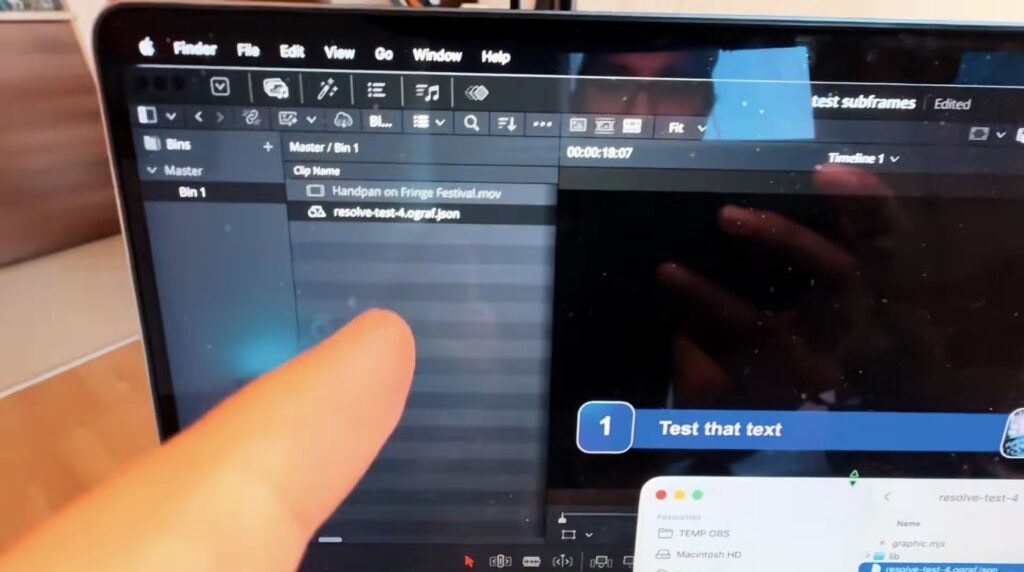
For my test I used an OGraf test file from the Blackmagic forum. On the desktop, I just dragged it into DaVinci Resolve. It shows up with its own icon and I can add it to the timeline like any other clip.
How to Import OGraf Graphics in DaVinci Resolve for iPad
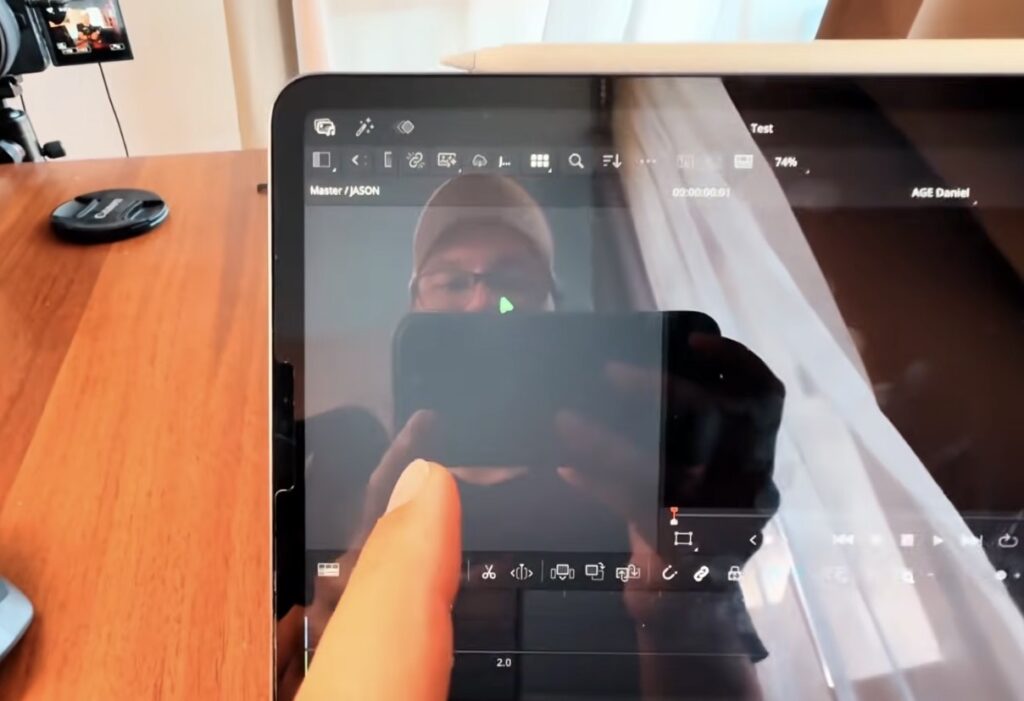
On the iPad I tried the same file. I went to the Edit Page, right clicked in the Media Pool and tried both import options: Import Media and Import Media from File.
What About Lottie Animations?
I had a hard time even downloading a Lottie animation, so I could not test it. If you have a Lottie file, please try it on your iPad and on the desktop and let me know if it works for you.
Does It Work on the iPad? My Result
On the desktop, OGraf graphics work. On the iPad, the same file did not import for me, no matter which import option I used. Maybe Blackmagic adds this in a future update, or maybe I am doing something wrong. If you found a way to get OGraf or Lottie files into DaVinci Resolve for iPad, please let me know in the comments under the video.
Tip: If you don’t know how to get the other pages (FUSION, FAIRLIGHT, EDIT) on the iPad read this article first: How to UNLOCK ALL PAGES in DaVinci Resolve for iPad Pro
If you want to host your own Online Course use CC360
I really believe, that CC360 is the best Platform to host your own Online Course currently on the market. And each week they introduce new features. Amazing. Check it out here.
BONUS: All DaVinci Resolve iPad Masterclass Students get the Transition Pack & the 8K Film Grain Pack for FREE!
You can either get the Transition Pack separate here: Seamless Transition Pack for DaVinci Resolve iPad. Or the 8K Film Grain Pack here: 8K Film Grain Bundle. but all of our DaVinci Resolve iPad Packs are a FREE Bonus for the DaVinci Resolve iPad Masterclass Students.
Check It Out here DaVinci Resolve iPad MasterClass: From Beginner To Pro.
Read Next
• How COPY Color Grade to MULTIPLE Clips in DaVinci Resolve iPad
• DO THIS to make DaVinci Resolve FASTER! (Instead of rage smashing your iPad)
• How To Delete Cache Files in DaVinci Resolve iPad
• How To Color Correct iPhone Footage in DaVinci Resolve iPad
• Easy Sync Audio & Video in DaVinci Resolve iPad