DaVinci Resolve iPad UPDATE: Proxies Finally Relink!
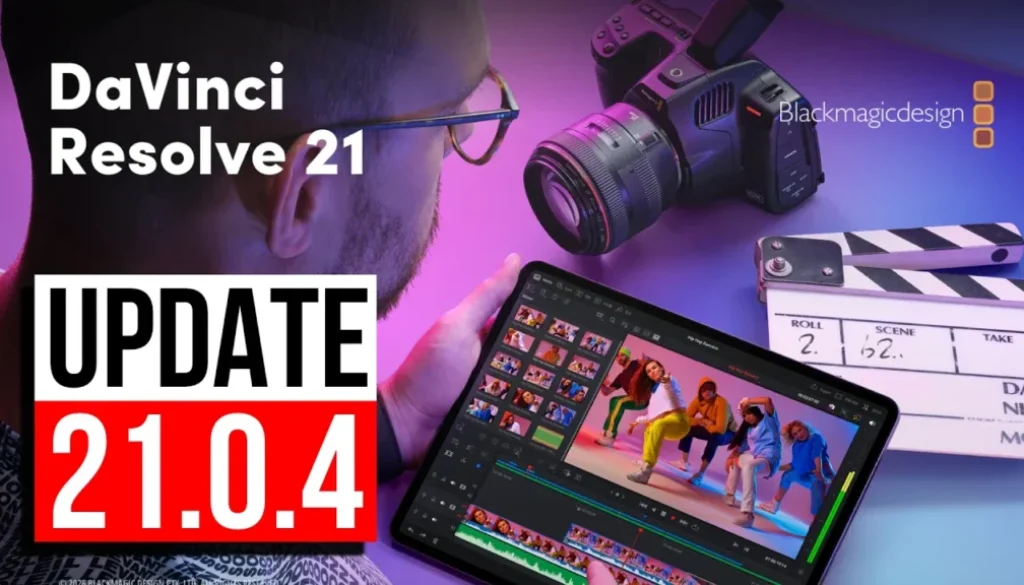
DaVinci Resolve for iPad just got a new update, Version 21.0.4. This is a very small one with two relink improvements and one small change in the Color Page. In this article and video i will show you everything that is new in this update.
Pro Tip: Make your Videos Cinematic (and save a tone of time) with our Seamless Transition Pack for DaVinci Resolve iPad.

Contents
- [Video] DaVinci Resolve iPad UPDATE: Version 21.0.4 Explained
- What is new in DaVinci Resolve iPad Version 21.0.4?
- Did you miss the big DaVinci Resolve 21 Update?
- If you want to host your own Online Course use CC360
- BONUS: All DaVinci Resolve iPad Masterclass Students get the Transition Pack & the 8K Film Grain Pack for FREE!
[Video] DaVinci Resolve iPad UPDATE: Version 21.0.4 Explained
What is new in DaVinci Resolve iPad Version 21.0.4?
You can always check the update notes yourself. Go to the App Store, open the DaVinci Resolve for iPad page, tap on “What’s New” and then on “more” to see the full version history. Here are the notes for this release.
DaVinci Resolve iPad Version 21.0.4 (08/06/2026)
• Relink clips can now relink proxies with different formats.
• DRT imports automatically relink to existing nested clips if present.
• Selected clip stays in view with clip filter changes in the Color page.
• Addressed realtime playback issues on large cached timelines.
• Addressed segment clip suffixes in media management.
• Addressed multiple retime speed curve editing issues.
• Addressed missing marker notes tag for data burn in.
• Addressed issue with decoding some DPX files.
• Addressed issue with decoding some CR2 stills.
• General performance and stability improvements.
So this is really a maintenance update. There is no new tool and no new panel, the two relink improvements are the biggest changes here. If you work with proxies or with nested clips in DRT timelines you will notice it, everybody else can just install it and keep editing.
Did you miss the big DaVinci Resolve 21 Update?
Version 21 itself was a massive update for the iPad. I made a full video where i go through every single feature that we can use on the iPad, and it is 1 hour 25 minutes long. Definitely check it out here: DaVinci Resolve iPad Version 21 – All Features explained
SALE: Because of the DaVinci Resolve 21 Update i run a discount right now. Use the code DVR21 at the checkout and get 21% off the DaVinci Resolve iPad MasterClass: From Beginner To Pro.
Tip: If you don’t know how to get the other pages (FUSION, FAIRLIGHT, EDIT) on the iPad read this article first: How to UNLOCK ALL PAGES in DaVinci Resolve for iPad Pro
If you want to host your own Online Course use CC360
I really believe, that CC360 is the best Platform to host your own Online Course currently on the market. And each week they introduce new features. Amazing. Check it out here.
BONUS: All DaVinci Resolve iPad Masterclass Students get the Transition Pack & the 8K Film Grain Pack for FREE!
You can either get the Transition Pack separate here: Seamless Transition Pack for DaVinci Resolve iPad. Or the 8K Film Grain Pack here: 8K Film Grain Bundle. but all of our DaVinci Resolve iPad Packs are a FREE Bonus for the DaVinci Resolve iPad Masterclass Students.
Check It Out here DaVinci Resolve iPad MasterClass: From Beginner To Pro.
Read Next
• How COPY Color Grade to MULTIPLE Clips in DaVinci Resolve iPad
• DO THIS to make DaVinci Resolve FASTER! (Instead of rage smashing your iPad)
• How To Delete Cache Files in DaVinci Resolve iPad
• How To Color Correct iPhone Footage in DaVinci Resolve iPad
• Easy Sync Audio & Video in DaVinci Resolve iPad


![Grainy Night Shots? [This Fixes It!]](https://exlima.net/wp-content/uploads/2026/10/Grainy-Night-Shots-This-Fixes-It-1024x576-394x330.webp)