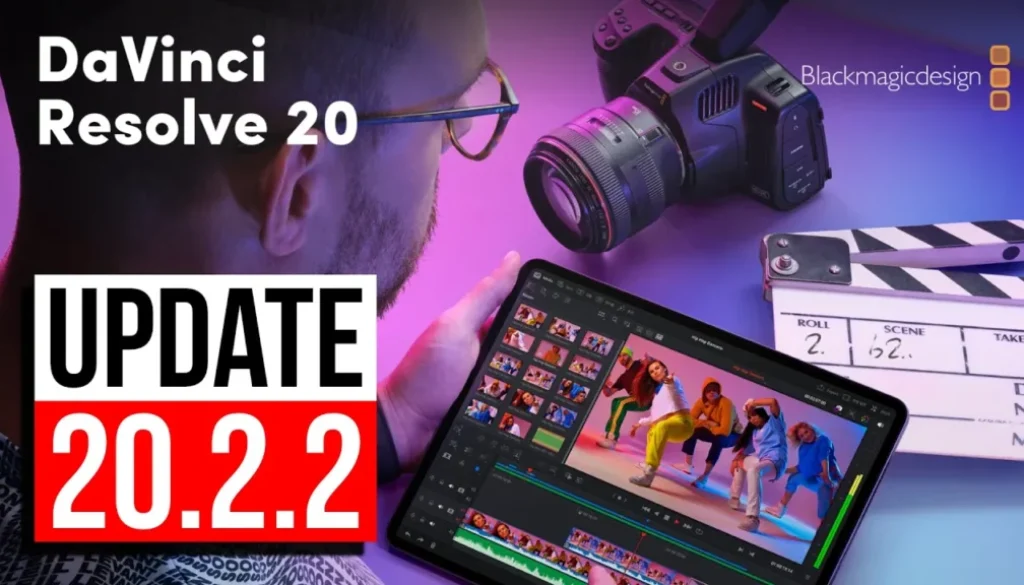
DaVinci Resolve iPad UPDATE Version 20.2.2
DaVinci Resolve for iPad just got a minor update to version 20.2.2. This is a quick bug fix update that addresses a few specific issues with the app. Let me show you what’s new and address a common question about accessing all the pages.
Pro Tip: Make your Videos Cinematic (and save a tone of time) with our Seamless Transition Pack for DaVinci Resolve iPad.

Contents
[Video] DaVinci Resolve iPad UPDATE: What’s new in Version 20.2.2?
DaVinci Resolve iPad Version 20.2.2 (October 16, 2025)
• Addressed go to mouse pointer not working in the cinema viewer.
• Addressed issue with go to mouse pointer in fixed playhead mode.
• Addressed an issue renaming generators in inspector.
• Apply grade from clip now honors node stack grade preference.
• Addressed issues with audio stuttering on some mp3 files.
• General performance and stability improvements.
All Pages Still Work (And How to Access Them)
Every time there’s an update, people ask: “Do all the pages still work?” Yes, they do! In fact, it’s easier than ever to access them. You can now open the keyboard customization menu directly from the DaVinci Resolve menu at the top without even opening the shortcuts dialog first.
To access the other pages like Edit, Fusion, and Fairlight, you still need to assign keyboard shortcuts. Once you do that, all the pages work perfectly. The update didn’t break anything related to page access.
Tip: If you don’t know how to get the other pages (FUSION, FAIRLIGHT, EDIT) on the iPad read this article first: How to UNLOCK ALL PAGES in DaVinci Resolve for iPad Pro
The Bottom Swipe Issue
One ongoing issue worth mentioning: sometimes when the white line indicator appears at the bottom of the screen and you try to use your mouse to switch pages, you might accidentally exit the app instead of switching pages. This happens because the white line is part of iPadOS, not DaVinci Resolve. If you know a fix for this in the settings, let everyone know in the comments!
If you want to host your own Online Course use CC360
I really believe, that CC360 is the best Platform to host your own Online Course currently on the market. And each week they introduce new features. Amazing. Check it out here.
BONUS: All DaVinci Resolve iPad Masterclass Students get the Transition Pack & the 8K Film Grain Pack for FREE!
You can either get the Transition Pack separate here: Seamless Transition Pack for DaVinci Resolve iPad. Or the 8K Film Grain Pack here: 8K Film Grain Bundle. but all of our DaVinci Resolve iPad Packs are a FREE Bonus for the DaVinci Resolve iPad Masterclass Students.
Check It Out here DaVinci Resolve iPad MasterClass: From Beginner To Pro.
Read Next
• How COPY Color Grade to MULTIPLE Clips in DaVinci Resolve iPad
• DO THIS to make DaVinci Resolve FASTER! (Instead of rage smashing your iPad)
• How To Delete Cache Files in DaVinci Resolve iPad
• How To Color Correct iPhone Footage in DaVinci Resolve iPad
• Easy Sync Audio & Video in DaVinci Resolve iPad