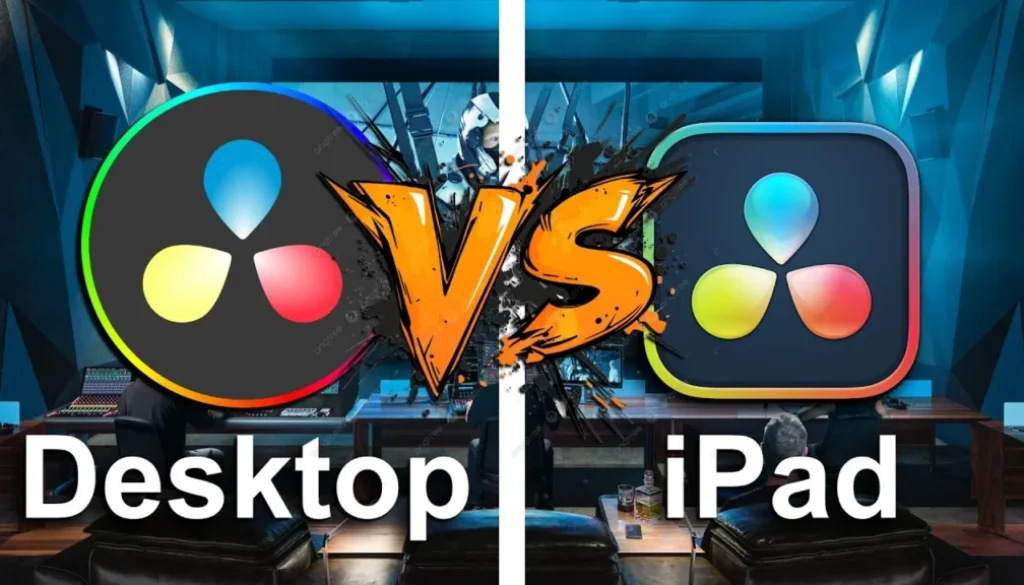
Small Update, Full Download: What’s Going On With DaVinci Resolve Desktop?
Every time there’s a new DaVinci Resolve update on desktop, you have to download the entire software again. 6 to 7 GB. On the iPad, it’s just a small patch. In this video i talk about why this is frustrating and whether there’s actually a better way that i’m missing.
Pro Tip: Make your Videos Cinematic (and save a tone of time) with our Seamless Transition Pack for DaVinci Resolve iPad.

Contents
- [Video] Why Does DaVinci Resolve Desktop Force a Full Re-Download for Every Update?
- The iPad Update vs. Desktop Update
- Why Is There No Patch System for DaVinci Resolve on Desktop?
- If you want to host your own Online Course use CC360
- BONUS: All DaVinci Resolve iPad Masterclass Students get the Transition Pack & the 8K Film Grain Pack for FREE!
[Video] Why Does DaVinci Resolve Desktop Force a Full Re-Download for Every Update?
The iPad Update vs. Desktop Update
On the iPad, updating DaVinci Resolve is painless. You just download a small patch, maybe 200 to 300 MB depending on the update, and you’re done. You can even do it from your phone’s hotspot on the go. No big deal.
On desktop (at least on Mac), every single update means downloading the full software again. We’re talking 6 to 7 GB every time. Going from version 20.2.2 to 20.2.3, a patch that probably fixes a handful of things, and you’re forced to pull down the entire application.
Why Is There No Patch System for DaVinci Resolve on Desktop?
Patches have existed for decades. Pretty much every major piece of software, games, creative tools, operating systems, lets you download only what changed. Not DaVinci Resolve on desktop. Every update sends you back to the website to download and reinstall the whole thing.
If you’re always on the go and don’t have reliable high-speed internet, this is a real problem. You end up having to hunt for a co-working space or a decent Wi-Fi connection just to stay up to date.
Blackmagic clearly knows how to do this right, they already do it on the iPad. So the question is: why not on desktop too? Maybe there’s a reason. Maybe there’s a way to update without re-downloading everything that i’m just not aware of. If you know, drop it in the comments.
Tip: If you don’t know how to get the other pages (FUSION, FAIRLIGHT, EDIT) on the iPad read this article first: How to UNLOCK ALL PAGES in DaVinci Resolve for iPad Pro
If you want to host your own Online Course use CC360
I really believe, that CC360 is the best Platform to host your own Online Course currently on the market. And each week they introduce new features. Amazing. Check it out here.
BONUS: All DaVinci Resolve iPad Masterclass Students get the Transition Pack & the 8K Film Grain Pack for FREE!
You can either get the Transition Pack separate here: Seamless Transition Pack for DaVinci Resolve iPad. Or the 8K Film Grain Pack here: 8K Film Grain Bundle. but all of our DaVinci Resolve iPad Packs are a FREE Bonus for the DaVinci Resolve iPad Masterclass Students.
Check It Out here DaVinci Resolve iPad MasterClass: From Beginner To Pro.
Read Next
• How COPY Color Grade to MULTIPLE Clips in DaVinci Resolve iPad
• DO THIS to make DaVinci Resolve FASTER! (Instead of rage smashing your iPad)
• How To Delete Cache Files in DaVinci Resolve iPad
• How To Color Correct iPhone Footage in DaVinci Resolve iPad
• Easy Sync Audio & Video in DaVinci Resolve iPad