DaVinci Resolve iPad UPDATE: Edit Page still there?
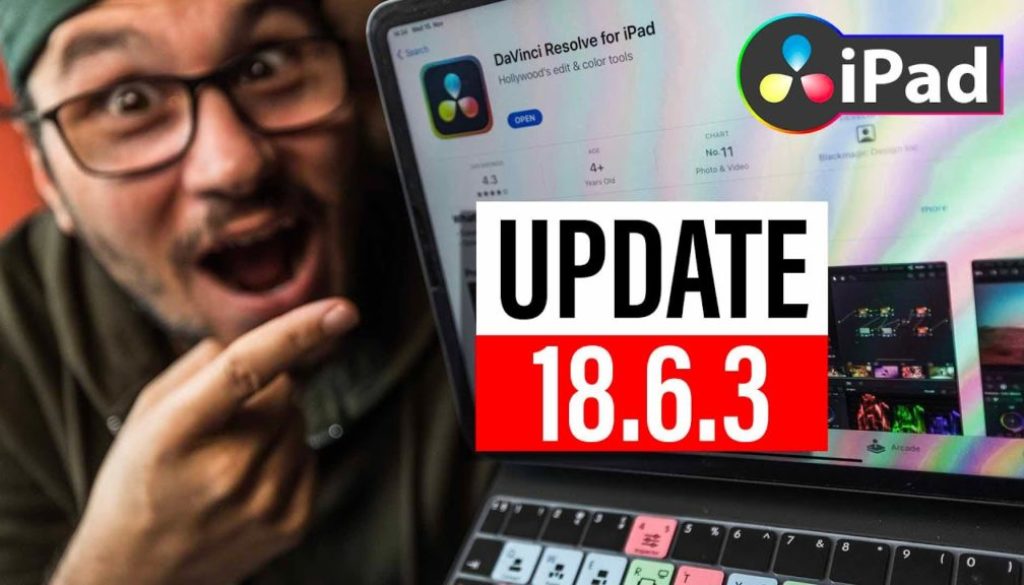
In this video i will talk about the DaVinci Resolve iPad Update Version 18.6.3.
Pro Tip: Make your Videos Cinematic (and save a tone of time) with our Seamless Transition Pack for DaVinci Resolve iPad.

Contents
[Video] DaVinci Resolve iPad UPDATE: Edit Page still there?
DaVinci Resolve iPad Version 18.6.3 (11/14/2023)
• Support for syncing media from network folders for cloud projects.
• Option to prevent sleep when uploading files or generating proxy for cloud.
• Configuration dialog when importing projects to a cloud project library.
• Cloud projects with no media sync now use proxy settings in preferences.
• ACEScg support in RCM with combined gamut and gamma mode.
• Ability to customize aspect ratio for Dolby Vision exports.
• Improved sort order for Dolby Vision combo boxes.
• Addressed an issue displaying flags on thumbnails of video only media.
• Addressed restoring active local version when restoring removed media.
• Addressed image quality issues with scene cut detected interlaced clips.
• Addressed gaps when ripple deleting interlaced clips with frame alignment.
• Copying grade with mattes now prioritizes layer name over index.
• Addressed incorrect saturation with HDR custom curve soft clipping.
• Addressed gamut limiting issues on ACES ODTs with a P3 D65 gamut.
• Addressed an issue creating new HDR zones in the color page.
• General performance and stability improvements.
Tip: If you don’t know how to get the other pages (FUSION, FAIRLIGHT, EDIT) on the iPad read this article first: How to UNLOCK ALL PAGES in DaVinci Resolve for iPad Pro
If you want to host your own Online Course use CC360
I really believe, that CC360 is the best Platform to host your own Online Course currently on the market. And each week they introduce new features. Amazing. Check it out here.
BONUS: All DaVinci Resolve iPad Masterclass Students get the Transition Pack & the 8K Film Grain Pack for FREE!
You can either get the Transition Pack separate here: Seamless Transition Pack for DaVinci Resolve iPad. Or the 8K Film Grain Pack here: 8K Film Grain Bundle. but all of our DaVinci Resolve iPad Packs are a FREE Bonus for the DaVinci Resolve iPad Masterclass Students.
Check It Out here DaVinci Resolve iPad MasterClass: From Beginner To Pro.
Read Next
• How COPY Color Grade to MULTIPLE Clips in DaVinci Resolve iPad
• DO THIS to make DaVinci Resolve FASTER! (Instead of rage smashing your iPad)
• How To Delete Cache Files in DaVinci Resolve iPad
• How To Color Correct iPhone Footage in DaVinci Resolve iPad
• Easy Sync Audio & Video in DaVinci Resolve iPad