DaVinci Resolve iPad UPDATE: Edit PAGE coming soon???
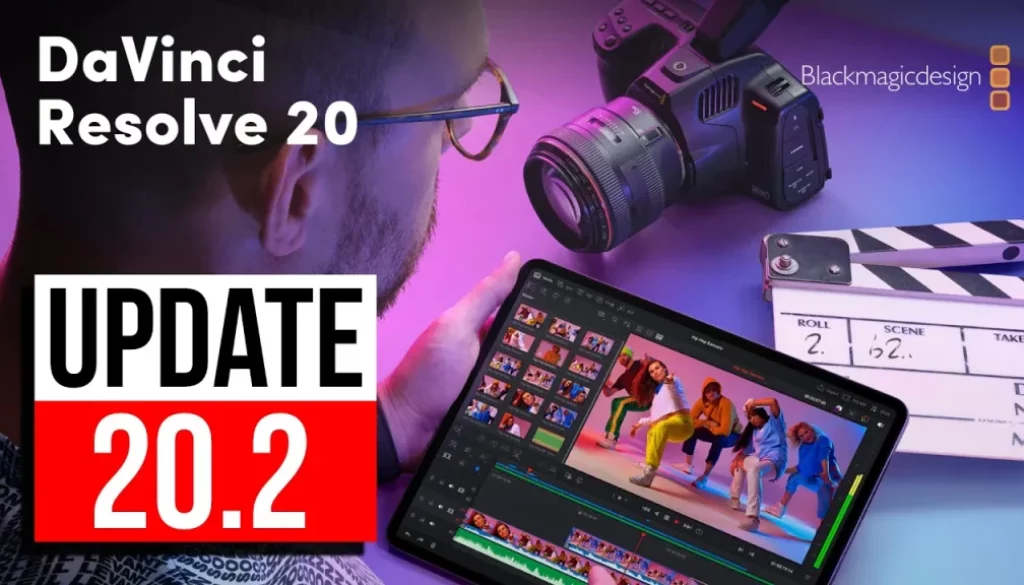
In this Video i will show you the new DaVinci Resolve iPad Update Version 20.2 with all the new Features. Also i released a brand new DaVinci Resolve iPad Starter Kit including a 7-Day Challenge + LUTs, Transitions, Fonts, Titles & More. Everything you need to start fast — in one bundle.
DaVinci Resolve iPad Starter Kit: Everything you need in one bundle.
Contents
[Video] DaVinci Resolve iPad UPDATE: Edit PAGE coming soon???
DaVinci Resolve iPad Version 20.2 (09/10/2025)
• New application menu and preferences dialog.
• Improved support for moving selected keyframes up down left and right.
• Curve and keyframe editor in timeline now includes actions toolbar.
• Shift click on lock or show curve to toggle multiple keyframe editor parameters.
• Alt click on lock or show curve to exclusively enable keyframe editor parameters.
• Add or edit guides for individual colors, lock states and position types.
• Viewer mouse click now prioritizes Fusion, transform and effect overlays over guides.
• Voice over countdowns now support audible beeps.
• Option to ripple delete silence for selected clip.
• Improved MultiText alignment and transformation controls.
• Resolve FX light effects support glow from alpha sources.
• Menu action to navigate clips using clip number.
• Ability to reset node color for multiple selected clips.
• Improved HLG viewer output when using viewer display profiles.
• RCM and CST now use ITU BT.2408 for HLG and PQ conversion.
• Support for decoding PSD images.
• Support for decoding Apple ProRes RAW clips.
• Support for encoding Samsung APV clips.
• Single frame webp and gif clips are now imported as stills.
• Press and hold c key to skim playhead on viewers.
• Support for current date and time tags for data burn and render paths.
• General performance and stability improvements.
Tip: If you don’t know how to get the other pages (FUSION, FAIRLIGHT, EDIT) on the iPad read this article first: How to UNLOCK ALL PAGES in DaVinci Resolve for iPad Pro
If you want to host your own Online Course use CC360
I really believe, that CC360 is the best Platform to host your own Online Course currently on the market. And each week they introduce new features. Amazing. Check it out here.
BONUS: All DaVinci Resolve iPad Masterclass Students get the Transition Pack & the 8K Film Grain Pack for FREE!
You can either get the Transition Pack separate here: Seamless Transition Pack for DaVinci Resolve iPad. Or the 8K Film Grain Pack here: 8K Film Grain Bundle. but all of our DaVinci Resolve iPad Packs are a FREE Bonus for the DaVinci Resolve iPad Masterclass Students.
Check It Out here DaVinci Resolve iPad MasterClass: From Beginner To Pro.

Read Next
• How COPY Color Grade to MULTIPLE Clips in DaVinci Resolve iPad
• DO THIS to make DaVinci Resolve FASTER! (Instead of rage smashing your iPad)
• How To Delete Cache Files in DaVinci Resolve iPad
• How To Color Correct iPhone Footage in DaVinci Resolve iPad
• Easy Sync Audio & Video in DaVinci Resolve iPad